I am learning flutter from JustAcademy, They provide very much great environment where people gather and work simultaneously. totally project based training institute.
MOHD ABU BAKAR ANSARI
Flutter Developer
Awesome Experience. I am a Front-end Web Designer working at Star India for 3 years now. I applied for Full-stack development and my experience has been phenomenal & they really do help with placements exceptionally. Thank you Roshan sir so much.
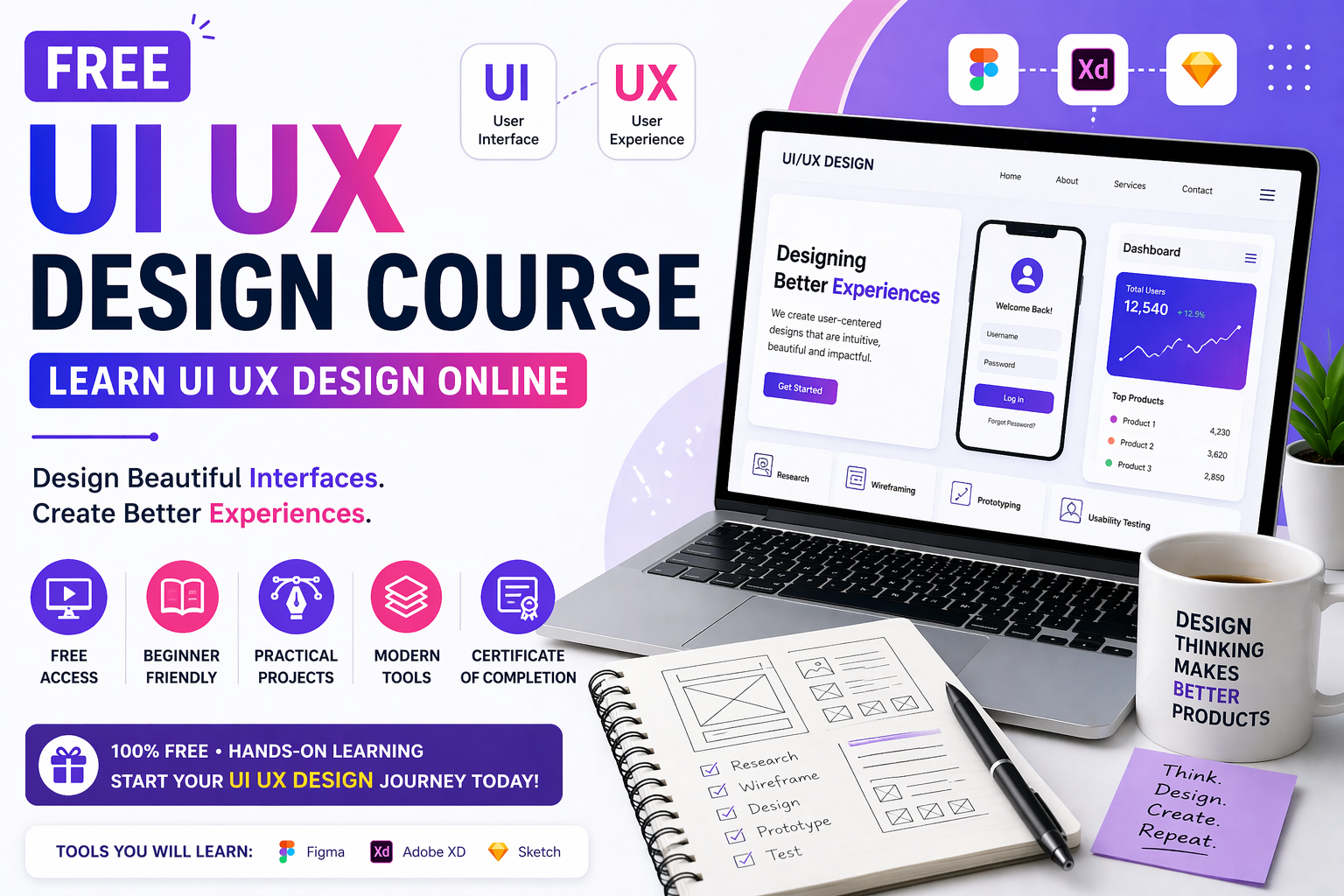
A free UI UX design course is one of the best ways to begin learning modern digital design without any upfront cost. It helps beginners understand how websites and mobile apps are designed, how users interact with digital products, and how to create clean, useful, and attractive interfaces. If you are planning to start a career in design, this is a strong first step.
UI UX design is an important skill in today’s digital world because every app, website, and software product depends on user experience. UI, or user interface, focuses on the visual layout, colors, buttons, and screen design. UX, or user experience, focuses on how easy and smooth it is for people to use a product.
Learning UI UX design gives you the ability to create digital products that are not only beautiful but also practical. Companies value designers who can think from the user’s point of view and solve problems through design. This makes UI UX a good career path for students, freshers, and creative professionals.
What You Learn in a Free UI UX Course
A good free UI UX design course usually starts with the basics of design thinking and user behavior. You learn how to identify user needs, study problems, and create solutions that improve usability. This foundation is important before moving into tools and advanced design methods.
The course often includes topics such as wireframing, prototyping, color theory, typography, layout design, and design systems. You also learn how to use tools like Figma to create mockups and interactive screens. These skills help you move from simple ideas to actual design work.
Figma Training Focus
Figma is one of the most popular tools used by UI UX designers. It allows you to create web and mobile app designs, build wireframes, and make interactive prototypes. Since it is cloud-based, it is easy to use and accessible from different devices.
If you want to practice real design work, learning Figma is highly useful. It helps you understand design workflows, collaboration, and presentation. That is why many students begin with Figma Training after learning the basic concepts of UI UX.
Topic Comparison Table
Topic
What You Learn
Practical Use
UI Design
Visual layout, colors, buttons, icons
Building attractive screens
UX Design
User flow, navigation, usability
Making products easy to use
Figma
Wireframes, mockups, prototypes
Creating real design projects
Design Thinking
Problem solving, research, testing
Designing user-focused solutions
Responsive Design
Mobile and desktop layouts
Creating designs for all devices
UI vs UX Comparison
Aspect
UI
UX
Full Form
User Interface
User Experience
Main Focus
Look and feel
Usability and flow
Includes
Colors, fonts, spacing, buttons
User journey, navigation, satisfaction
Goal
Make the product visually appealing
Make the product easy and smooth to use
Example
A clean login screen
A simple login process with fewer steps
UI and UX are closely related but different. UI is about how a product looks. UX is about how a product feels to use. A good designer needs both skills. A beautiful interface is not enough if users find it confusing. At the same time, a product with good structure but poor visual design may not attract users. That is why UI and UX work best together.
Main UI UX Topics
Here are some of the most important topics usually covered in a beginner-friendly UI UX course:
Introduction to UI and UX.
User research and problem understanding.
Wireframing and low-fidelity design.
High-fidelity mockups.
Prototyping in Figma.
Color theory and typography.
Layout and spacing principles.
Design systems and components.
Usability testing.
Responsive design basics.
These topics help learners understand both the creative and practical sides of design. They also build a strong base for portfolio projects and job applications.
Importance of Design Thinking
Design thinking is a problem-solving approach used in UI UX design. It starts with understanding the user, identifying the problem, brainstorming solutions, building a prototype, and testing it. This process helps designers create products that are based on real needs rather than guesses.
Design thinking is useful because it keeps the user at the center of the process. It helps reduce mistakes and improves the final product. Beginners who learn this mindset early often become stronger designers because they focus on solving actual problems.
Career Benefits of Learning UI UX Design
UI UX design can lead to many job opportunities in the tech and creative field. Companies need designers for websites, mobile apps, dashboards, e-commerce platforms, and software products. If you build a strong portfolio, you can apply for roles such as UI designer, UX designer, product designer, or design intern.
This skill is also helpful for freelancers and entrepreneurs. If you want to design your own website, app, or startup product, UI UX knowledge gives you more control over the final result. It is a skill that blends creativity with practical business value.
How Beginners Should Start
If you are new to design, start with the basics before moving into advanced tools. Learn how users think, what makes an interface clear, and how to arrange content in a simple way. Once you understand the foundation, move to software tools like Figma and begin building practice screens.
A good learning path includes watching tutorials, studying design examples, and creating small practice projects. You can start with a login screen, landing page, mobile app dashboard, or profile page. As you improve, try making full app flows and interactive prototypes.
Suggested Learning Path
Learn the difference between UI and UX.
Study design principles and user behavior.
Practice wireframing and layout design.
Learn Figma basics.
Build sample screens.
Create prototypes.
Study mobile and web design patterns.
Add projects to your portfolio.
This step-by-step approach helps you avoid confusion and gives you steady progress. It also prepares you for more advanced learning and real-world design tasks.
Why a Demo Session Helps
A demo session is helpful because it gives you a preview of the course structure, teaching style, and practical benefits. It also helps you understand whether the course matches your learning goals. For beginners, this can make the decision easier and more confident.
A free UI UX design course is a smart way to begin a career in design. It gives you the foundation you need to understand users, create digital interfaces, and build useful products. When combined with practical tool training like Figma Training, it becomes even more valuable.
A practical, honest guide to choosing your first language, understanding modern iOS development, and building a career in Hyderabad’s growing app ecosystem through live interactive, instructor led and mentor led training.
A Hyderabad friendly walkthrough of how real apps get planned, designed, built, tested and shipped, and how live interactive, instructor led and mentor led learning gets you there faster
A grounded, honest guide for Hyderabad learners, career switchers and business owners who want to build real apps with Flutter and learn from mentors, not just videos.
Forty questions, honest answers and the design skills hiring panels in Delhi quietly score, shaped around live interactive, instructor led and mentor led learning
From your very first Laravel build to client ready applications, a Delhi learner’s guide to growing real backend skills through live interactive, instructor led and mentor led practice.
A Delhi focused, mentor backed guide with 40 answered questions, live instructor led practice and a clear path from learner to hired meanstack developer
What Delhi learners and working developers can realistically earn at every stage, and the skills, stack choices and mentor led training that move the number
From your first notes app to a multi tenant SaaS build, here are the MERN stack projects Delhi learners can build with live interactive guidance and show with pride on a resume.
Drop us a Query
+91 99871 84296
Available 24x7 for your queries
Want To Connect with us
🚀 Kickstart Your IT Career
with JustAcademy
Learn Industry-Focused Courses with Live Projects & Placement Assistance
Full Stack Java(Java, Spring Boot, Hibernate, REST API, React JS)
Data Analytics(Excel, SQL, Power BI, Python, Tableau)